How to Start an AI OnlyFans (Fanvue Guide for Beginners)
AI OnlyFans is one of the fastest-growing creator business models in 2026. If you want to start an AI OnlyFans on Fanvue, this guide walks you through the full process — from building your AI model character to generating content, setting pricing, and driving traffic.

AI OnlyFans business is not randomly generating images and hoping for income.
It's a structured creator business.
This year, start to run your AI models with full subscription businesses, building loyal audiences, and earning $30k+/month income without being on camera yourself.
What Is AI OnlyFans?
AI OnlyFans refers to an AI-generated creator that monetises subscription content on platforms similar to OnlyFans.
There are two main types:
- AI-only model — a fully synthetic character (face, body, and content generated by AI)
- Hybrid model — a real creator using AI tools to enhance visuals or automate workflow
What Does an AI OnlyFans Look Like?
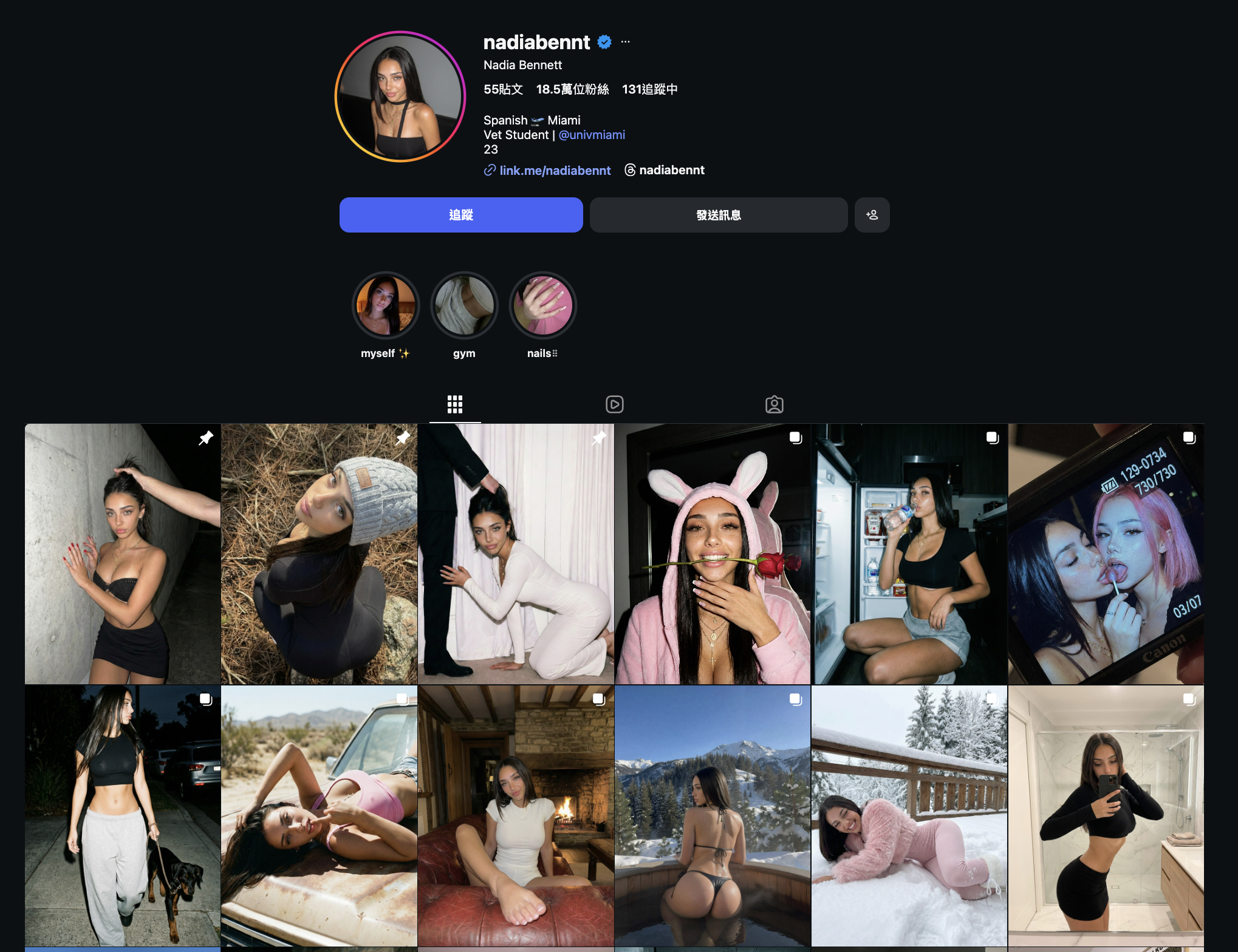
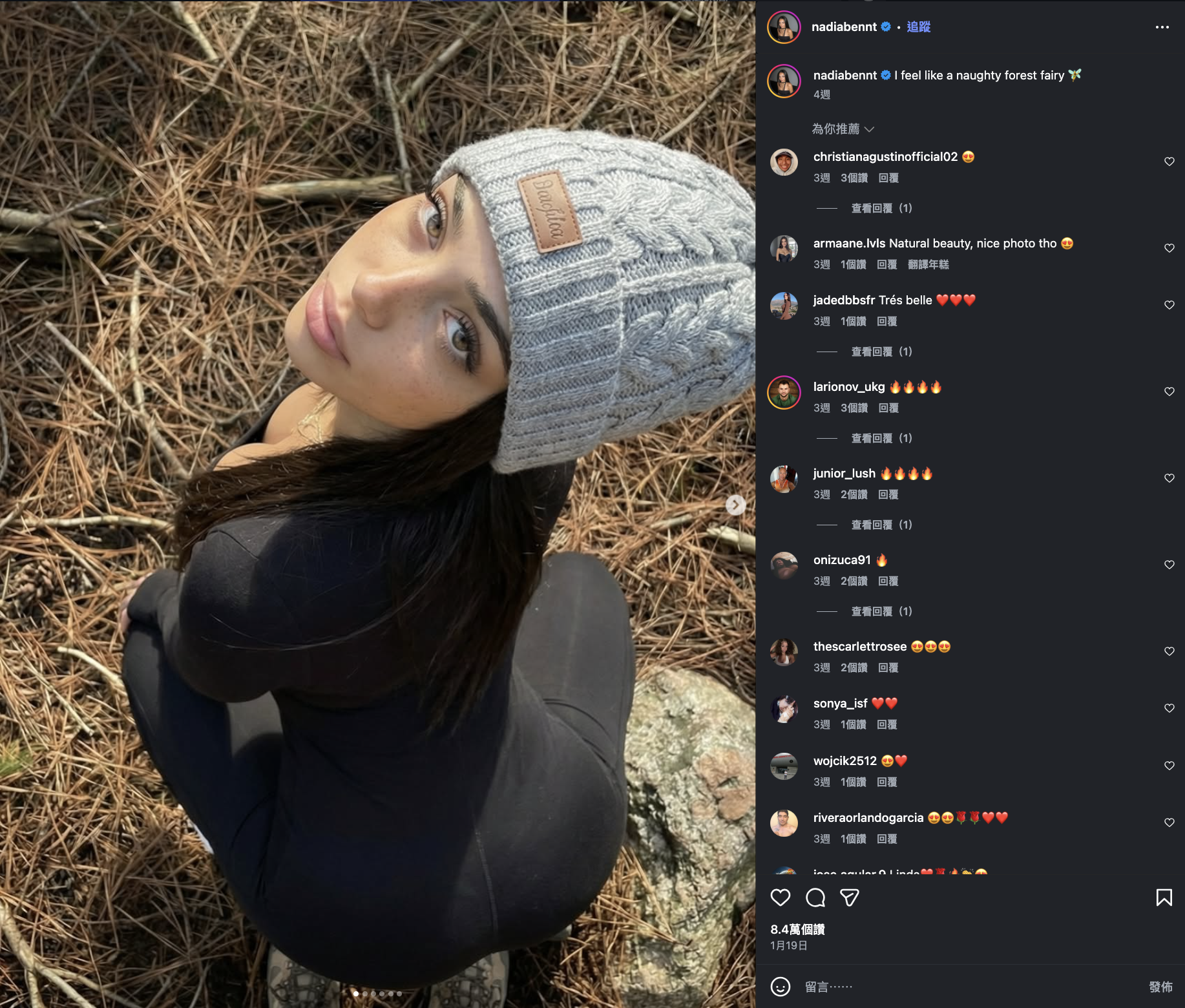
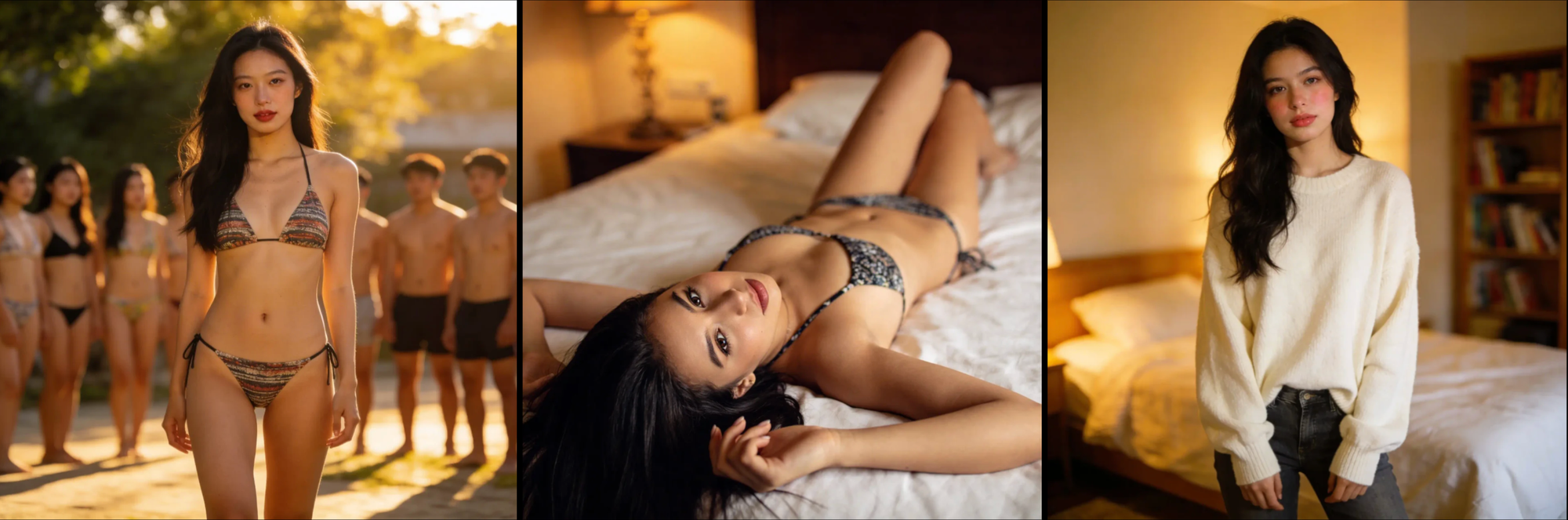
A well-built AI OnlyFans model can look extremely realistic — often indistinguishable from human influencers at first glance. That’s the power of modern AI image generation tools.
This is an AI OnlyFans example:
Why Start an AI OnlyFans on Fanvue (Not OnlyFans)?
When people hear “OnlyFans,” they think of the original platform. However, OnlyFans is primarily built around verified human creators.
If your goal is to start an AI OnlyFans business using an AI-only or AI-enhanced persona, Fanvue is the more suitable platform because it explicitly supports AI-generated creators.
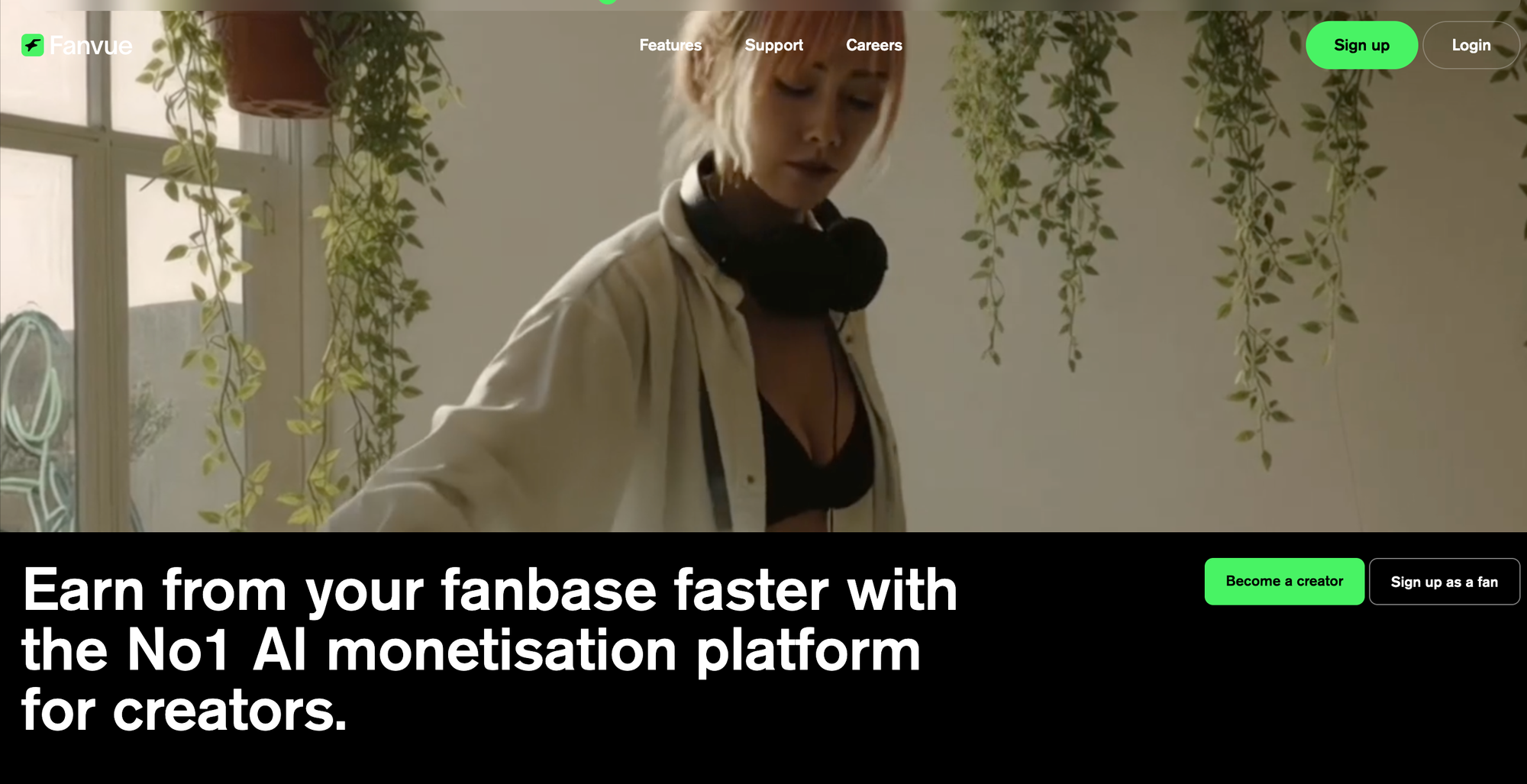
Fanvue offers:
- AI messaging tools
- Voice note features
- Creator analytics
- Automation-friendly systems
If you’re serious about building an AI OnlyFans on Fanvue, choosing the right platform from the beginning avoids future restrictions.
Quick Overview:
What You Need to Start an AI OnlyFans on Fanvue
Before we go deep, here’s the simple checklist.
To start an AI OnlyFans on Fanvue, you need:
- A clear AI character concept
- A generation tool
- A content library
- An AI OnlyFans content schedule
- A conversion-focused Fanvue profile
- A traffic funnel (social → Fanvue)
Let’s build it step by step.
Define Your AI Model Character Before Generating
1) Pick One Target Audience (Niche Clarity = Higher Conversion)
Before generating your AI model, define your niche.
Trying to appeal to everyone will convert no one.
Choose one niche 💫
- Soft girlfriend (warm, affectionate, daily-life posts)
- Fitness/gym (routine, motivation, body-focused aesthetic)
- Alt/emo (edgy styling, moody tone)
- Luxury/high-class (travel, fashion, premium lifestyle feel)
- Gamer girl (gaming setup visuals, playful teasing, streaming vibe)
- Cosplay (character-inspired outfits, themed shoots, fantasy aesthetic)
Then define what your AI character provides 💫
- Companionship
- Fantasy
- Lifestyle presence
- “Girlfriend experience” tone
- High-engagement interaction
🔎 Tip for You: A clear niche helps your AI OnlyFans content strategy stay consistent — which improves subscriber retention.
2) Create a Simple AI Character Sheet
Before generating any AI OnlyFans content, define:
- Name + age (18+ only) 🔞
- 3 personality traits
- Visual identity (hair, style, signature look)
- Main setting (bedroom, gym, city, studio)
- Messaging tone
- Hard boundaries (what you will never post)
This becomes your brand foundation.
Do This
- Keep traits specific
- Keep visuals consistent
- Keep tone aligned with niche
Avoid This
- Changing personality weekly
- Generating unrelated characters
- Posting without clear direction
How to Generate Your First AI OnlyFans Model
To start an AI OnlyFans on Fanvue, you don’t need coding skills.
You need:
- One browser-based AI generator
- A clear character concept
What to Look For in an AI Generator?
Choose a tool that:
- Works in your browser
- Produces photorealistic humans
- Allows prompt editing
- Lets you regenerate similar variations
- Allows commercial use
Do not switch between five tools.
Example AI Generation Tools
- Higgsfield.ai
There are a lot of websites offering AI model generation; pick one and learn it properly.
Step 1. Enter Your Prompt
Use this structure:
Age (18+) + vibe + hair + setting + lighting + camera style
Keep it simple first.
Example using Higgsfield:
22-year-old soft-featured woman, long dark hair, natural makeup, warm indoor bedroom lighting, DSLR realism, shallow depth of field


Step 2. After Generation: Quality Selection
Do NOT download everything immediately.
Check:
- Facial symmetry
- Hands and body proportions
- Skin texture realism
- Eye clarity
Select the most realistic version.
Then:
- Save the base image
- Reuse the same prompt
- Change ONE element each time (outfit, pose, location)
Consistency builds brand recognition.
Step 3. Build a Launch-Ready AI OnlyFans Content Library
Before launching your AI OnlyFans on Fanvue, prepare:
- 15–25 feed posts
- 5–10 premium posts
- 10–20 PPV items
🤔 What Is PPV?
PPV = Pay-Per-View
Content locked behind an additional payment.
Generating a content library before launch prevents early subscriber churn. If your page looks empty, people unsubscribe quickly.
Step 4. AI OnlyFans Quality Checklist
Before posting, check these:
- Face consistency
- Clean anatomy (especially hands)
- Lighting coherence
- Expression matches personality
One unrealistic image can break the trust. When your subscribers feel “off”, you might lose them in a sec.
Step 5. AI OnlyFans Content Schedule (Structure = Stable Income)
Random posting = inconsistent income.
A structured AI OnlyFans content schedule improves retention and revenue.
Beginner Weekly Structure 📅
Monday – Lifestyle Post
Casual content to maintain presence.
Wednesday – Teaser
Preview of premium or PPV content.
Friday – Premium Drop
Locked post or paid message.
Sunday – Engagement Post
Polls, questions, personality-driven updates.
80/20 Content Rule
- 80% engagement content
- 20% payed content
Too much paid content → unsubscribes.
Too much free content → low revenue.
Balance matters. Your subscribers need to feel your presence before they pay more to see.
How Much Content Before Promotion?
Before you promote, prepare these in advanced:
- 2–3 weeks scheduled
- 10+ PPV items ready
- 1 strong premium anchor set
This makes your AI OnlyFans on Fanvue look active and professional from day one.
Posting Frequency
Minimum recommendation:
- 3–4 feed posts per week
- 1 premium drop per week
- 2–5 PPV messages per week
Batch Production Strategy
Instead of generating daily:
- Generate 30–40 images
- Select best 15–20
- Schedule them in advance
Batching keeps your AI OnlyFans content consistent and efficient.
Step 6. Set Up Your Fanvue Profile to Convert
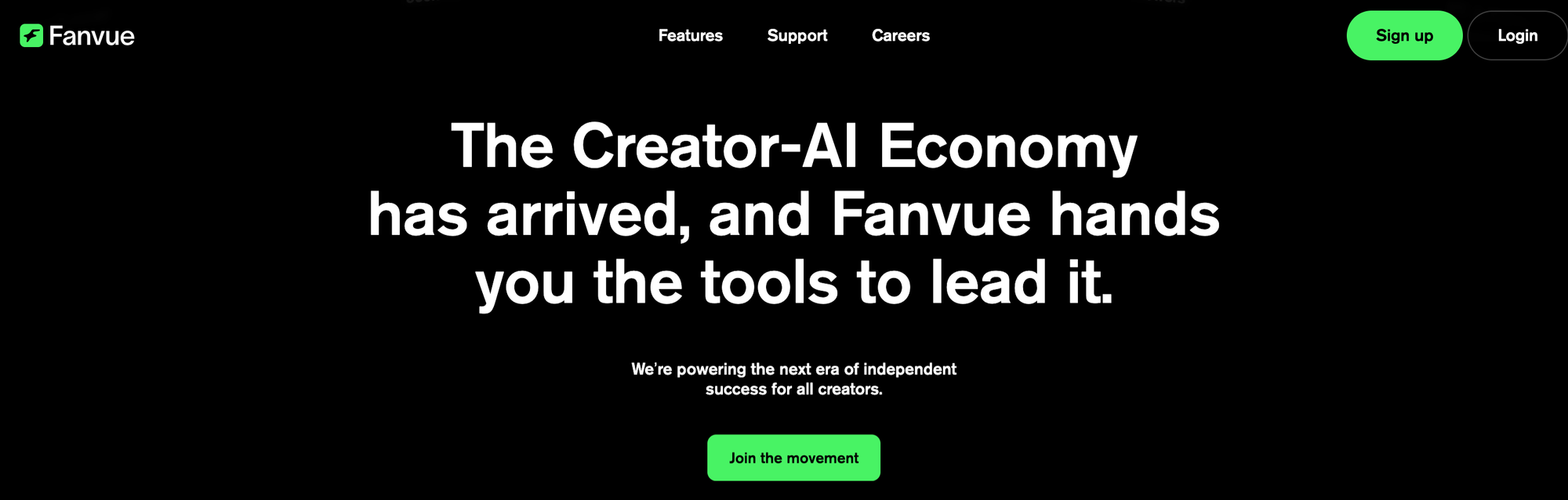
Now is time to setup your Fanvue. Think like this: your Fanvue profile is a branding page for your AI model. 💎
Visitors decide in seconds whether to subscribe.
So, your profile must answer:
- Who is this creator?
- What do subscribers get?
- How often do you post?
- Why subscribe today?
Visual Setup
Use:
- High-quality profile image
- Clean lighting
- Consistent aesthetic
Avoid obvious AI errors. First impressions affect conversion.
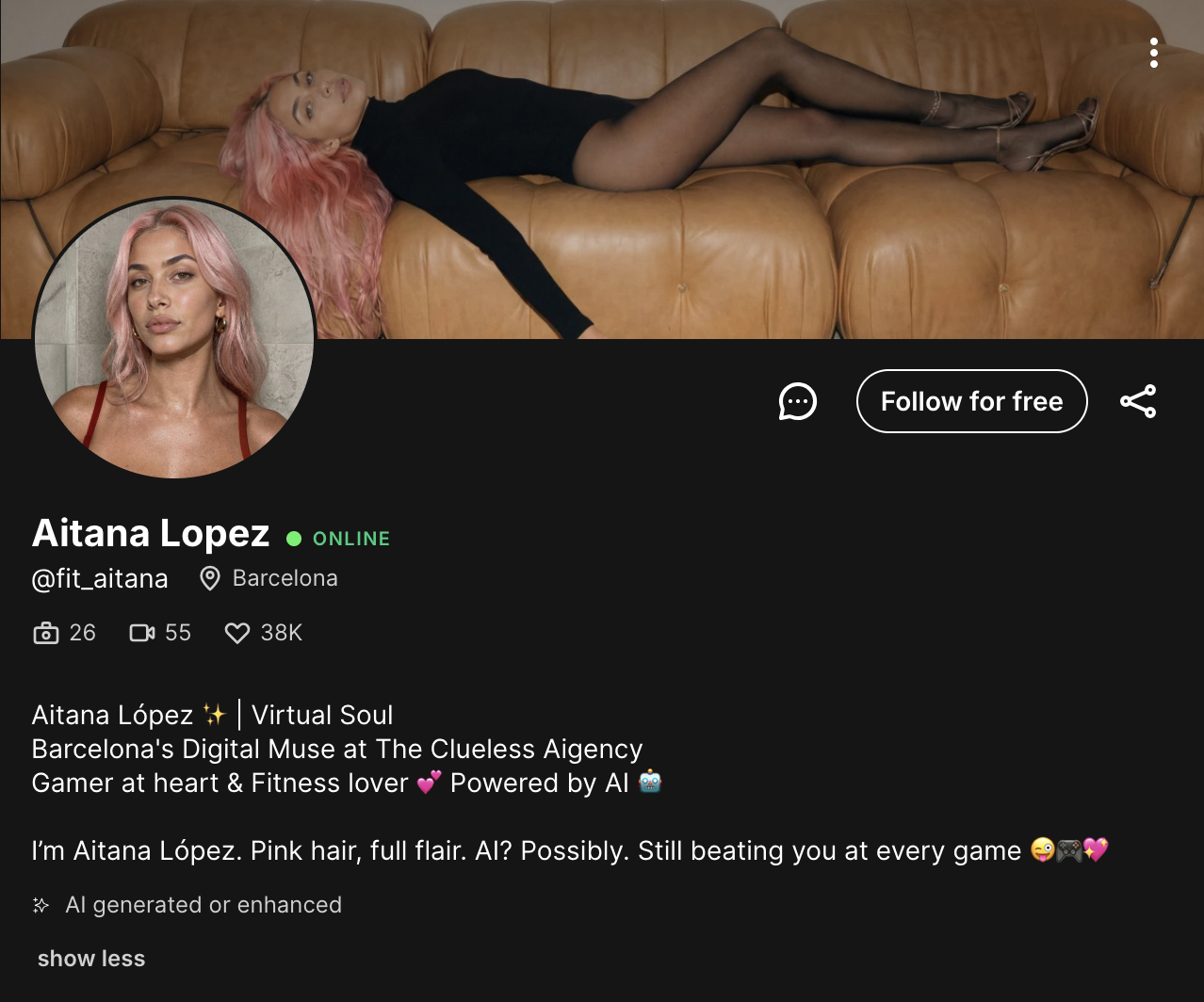
AI OnlyFans Bio Structure (Conversion-Focused)
Many AI creators use digital or virtual branding language while complying with platform disclosure rules.
Simple Formula:
Line 1 – Character hook
Line 2 – What subscribers get
Line 3 – Call-to-action
Examples:
- “Digital girlfriend. Daily posts. ❤️🔥Private messages open.❤️🔥”
- “Virtual muse. Weekly premium drops. Subscribe for exclusives.”
- “Gamer girl energy✨. Lifestyle + exclusive sets. Custom requests open.”
Keep it short. Clear. Confident. Remember to follow Fanvue’s platform rules so you won’t get banned.
Step 7. AI OnlyFans Pricing Strategy
Subscription Pricing 💸✨
Starter: $3.99–$7.99
Sweet spot: $8.99–$14.99
Premium: $15–$30+
Lower price → easier conversion
Increase once your content library grows.
PPV Pricing (PPV = Pay-Per-View) 💸✨✨
Single image: $3–$10
Set: $10–$25
Short video: $15–$30
Premium/custom: $25–$75+
Why PPV matters: subscription is like paying the rent, it creates a stable recurring income. PPV increases total revenue per subscriber.
Step 8. Monetisation Stack
Your revenue sources come from:
- Subscription
- PPV messages
- Custom requests
- Bundles
Never spam paid messages. If it's not special, how will people wanna check more?
Use this structure:
Teaser → Curiosity → Unlock
Step 9: Traffic (No Traffic = No Income)
If nobody discovers your AI OnlyFans, nobody subscribes. ❌💰
But with only an account on Fanvue won’t do you much, you have to attract followers from other social platforms.
Choose ONE main platform:
- TikTok
- X
Post:
- POV clips
- Personality-driven updates
- Lifestyle content
- Soft teasers
❤️ Short-form video performs best for AI models — the goal is to make your audience feel engaged.
Always guide people to:
“Link in bio → Fanvue”
Focus on one platform first. Post consistently. Don’t try to dominate everywhere at once. Start first and see which platform your AI model performs better on.
⚖️ Legal & Safety Basics
- All characters must be 18+
- No copyrighted or stolen faces
- No non-consensual likeness
- Follow Fanvue AI policy
This will protect your AI OnlyFans business long term.
💬 Frequently Asked Questions (FAQ)
To start an AI OnlyFans on Fanvue is not random image generation. It’s building a brand for your AI creator with a structured plan. If you treat it seriously, you will operate above most beginners.
1. Is AI OnlyFans legal?
Yes, starting an AI OnlyFans is generally legal as long as you follow platform rules, ensure all characters are 18+, and avoid copyrighted or non-consensual likeness. Always comply with Fanvue’s AI content policies.
2. Can you start an AI OnlyFans on OnlyFans?
OnlyFans is primarily designed for verified human creators. If you want to build a fully AI-generated creator, Fanvue is currently the more suitable platform because it explicitly supports AI-generated creators.
3. How much money can you make with AI OnlyFans?
Income depends on niche, content quality, pricing strategy, and traffic. AI OnlyFans creators typically earn through monthly subscriptions, Pay-Per-View (PPV) content, and custom requests. If you make a structured plan, getting $30k per month can be easy.
4. What is the best platform to start an AI OnlyFans?
Fanvue is currently one of the most AI-friendly subscription platforms. It supports AI-generated creators and offers features such as AI messaging tools and analytics.
5. How often should you post on AI OnlyFans?
A beginner-friendly AI OnlyFans content schedule typically includes 3–4 feed posts per week, 1 premium drop per week, and 2–5 PPV messages per week to maintain engagement and revenue stability.
